Cloud vs. Local Backup: Which is Right for You?

2backups Team
Reviews, guides, and backup strategy from the 2backups editorial team
"Should I back up to the cloud or to a drive on my desk?" is the question we get asked more than any other. The honest answer is that the two approaches protect against different failures, and most people end up wanting both. But if you're choosing where to start, the trade-offs are worth understanding properly.
What "local backup" actually means
A local backup is a copy of your data on hardware you own and can touch: an external hard drive, a portable SSD, or a NAS on your home network. Your computer copies files to it directly, usually over USB or your local network, and the backup lives in the same building as the original.
What "cloud backup" actually means
A cloud backup is a copy of your data on someone else's servers, reached over the internet. Services like Backblaze upload changed files continuously in the background; object storage like AWS S3 or Backblaze B2 gives you a bucket that backup software can push to on a schedule.
Speed: local wins, and it isn't close
A USB 3 hard drive writes at roughly 150 MB/s; a portable SSD like the Samsung T7 can exceed 1,000 MB/s. A typical home upload connection is 10–40 Mb/s — that's megabits, so around 1–5 MB/s. The first full backup of a 2 TB photo library takes a few hours locally and can take weeks to the cloud.
The same asymmetry applies to restores. If your drive dies and you need everything back today, a local copy gets you working again in an afternoon. Some cloud services will ship you a physical drive for large restores, but that's days, not hours.
Disaster resilience: cloud wins
A local backup sitting next to your computer shares its fate. A house fire, a flood, a burglary, or a power surge takes both. Ransomware that encrypts your machine will happily encrypt any drive that's plugged in at the time.
A cloud backup is, by definition, off-site. It survives anything that happens to your building. Good services also keep version history, so a file encrypted by ransomware last Tuesday can be rolled back to Monday's copy.
Cost over five years
| Option | Up-front | Ongoing | 5-year total (2 TB) |
|---|---|---|---|
| External HDD | $60–90 | $0 | ~$75, plus a replacement drive |
| Portable SSD | $150–200 | $0 | ~$175 |
| 2-bay NAS + drives | $450–600 | ~$10/yr power | ~$550 |
| Unlimited cloud backup | $0 | ~$100/yr | ~$500 |
| Object storage (B2) | $0 | $5/TB/month | ~$600 |
Local hardware is cheaper over time for large data sets, but remember that drives fail. Budget for replacing a hard drive every 4–5 years.
Privacy and control
With a local backup, nobody else ever holds your data. With the cloud, you're trusting a provider. Reputable services encrypt data in transit and at rest, and the good ones offer a private encryption key that means even the provider can't read your files. Use it — but understand that if you lose that key, nobody can help you recover the data.
Convenience and consistency
This is where cloud backup quietly wins for most households. Continuous cloud backup runs whether or not you remember to plug in a drive. A local backup only exists if you actually connect the drive and let the job finish, and in our experience "I'll do it this weekend" is how most people end up with a six-month-old backup. A NAS solves this by being always on, at a higher price.
So which should you choose?
- Choose local first if: you have a lot of data (more than a few terabytes), a slow upload connection, or you need fast restores for work.
- Choose cloud first if: your data set is modest, you travel with a laptop, or you know you won't keep up with a manual routine.
- Choose both if: the data matters. This is the 3-2-1 rule — a local copy for speed and a cloud copy for disasters. Read our guide to the 3-2-1 strategy for how the pieces fit together.
Our picks
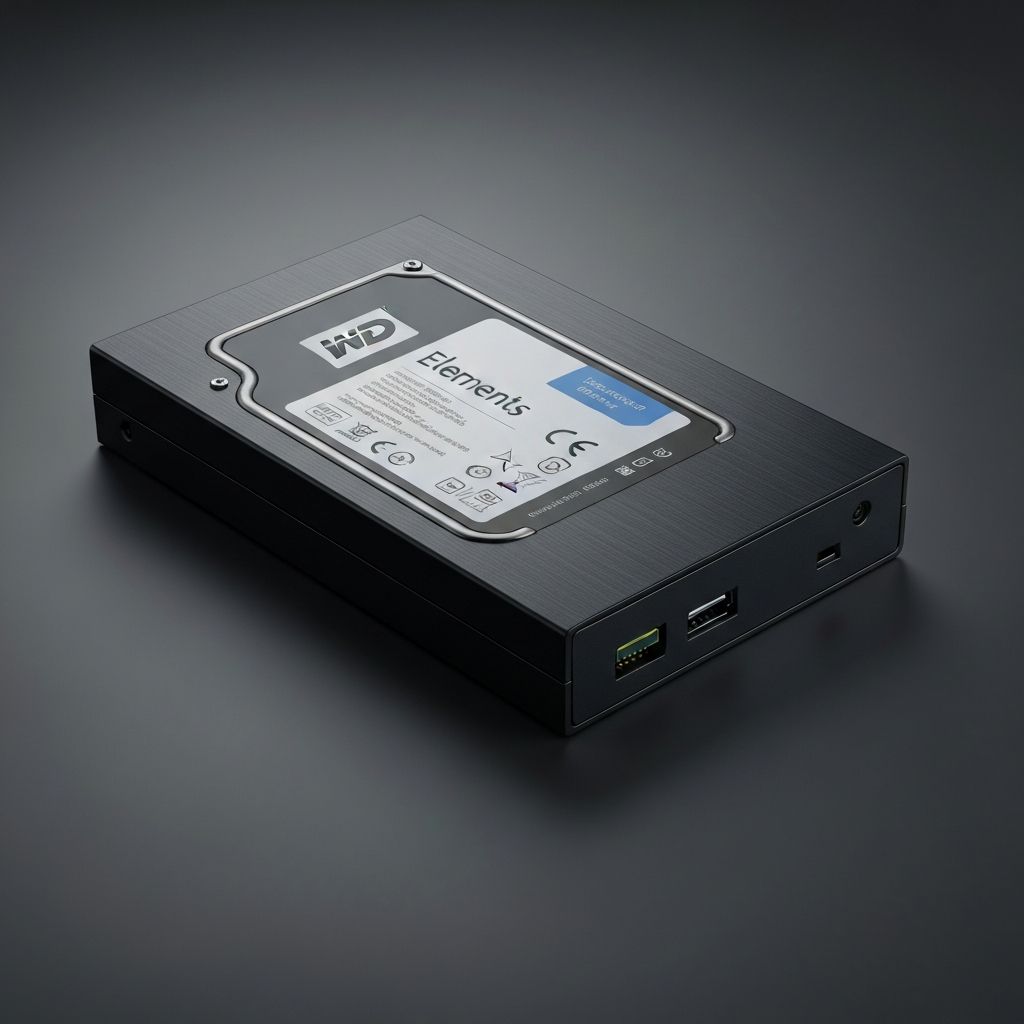
- Local, simple: WD Elements Desktop for capacity, Samsung T7 for speed and portability
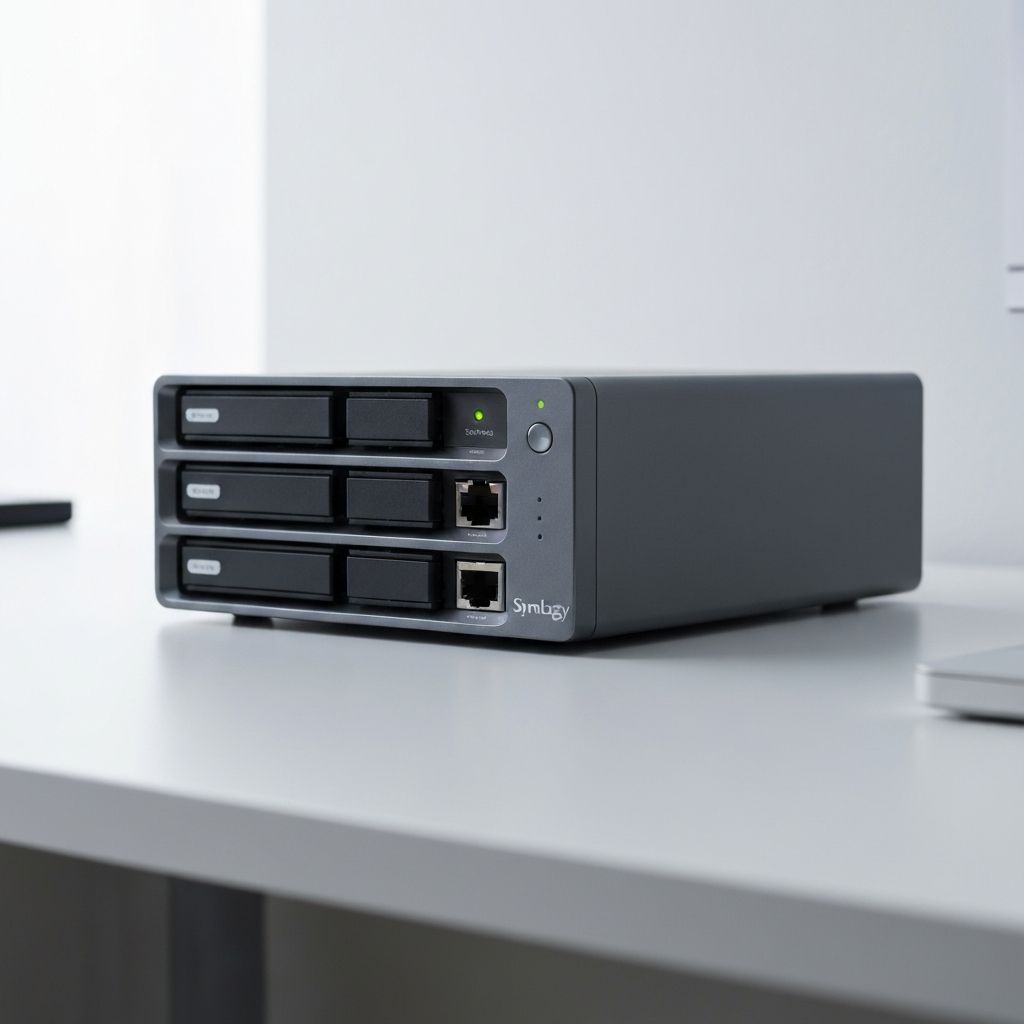
- Local, always-on: Synology DS220+
- Cloud: Backblaze for set-and-forget, AWS S3 if you want fine-grained control