Best Practices for Securing Your Crypto Wallet Backups

2backups Team
Reviews, guides, and backup strategy from the 2backups editorial team
Backing up cryptocurrency is unlike backing up anything else. There is no password reset, no support line, and no chargeback. If you lose the backup, the funds are gone forever; if someone else finds the backup, the funds are theirs. Every decision below is about balancing those two failure modes.
Understand what you're actually backing up
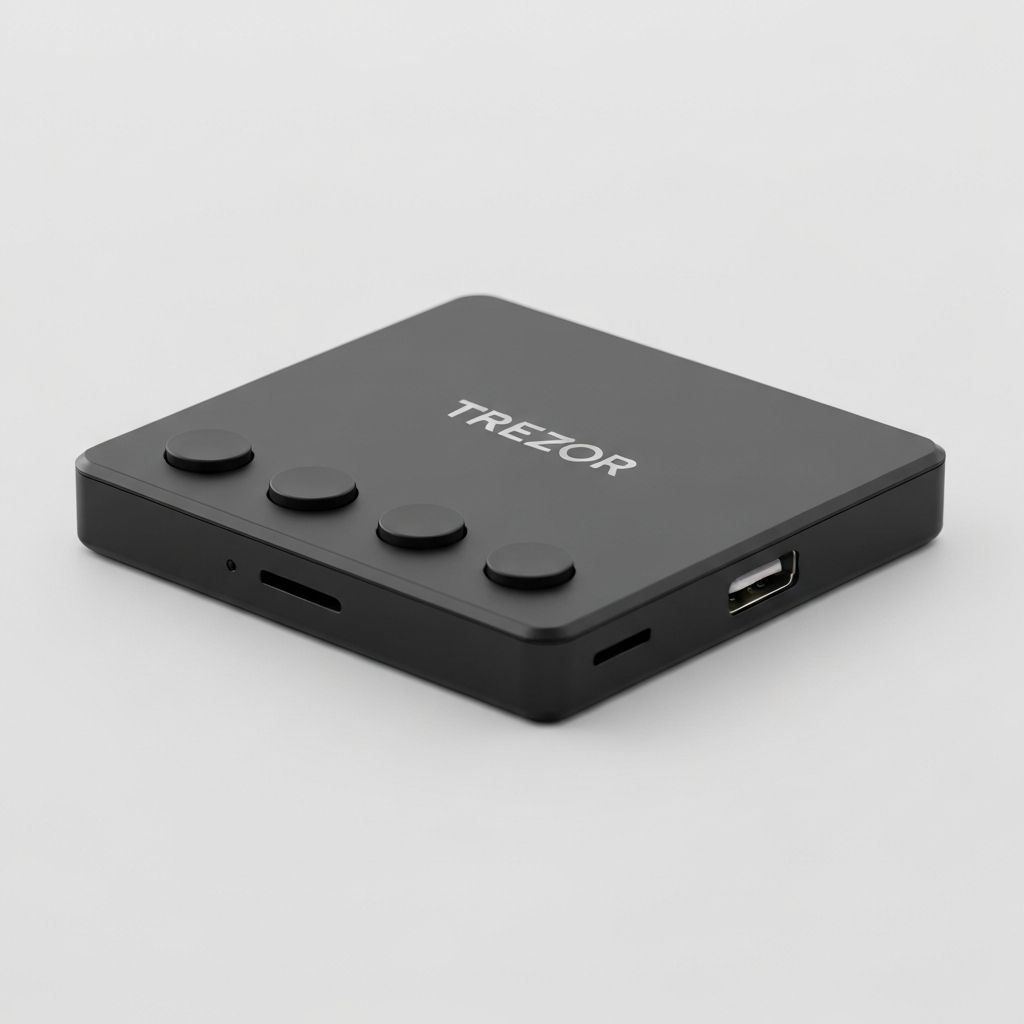
A hardware wallet like the Trezor Model T doesn't "contain" your coins. It holds a private key derived from a recovery seed — typically 12 or 24 English words. Anyone with those words can recreate the wallet on any device and spend everything in it. The device itself is replaceable; the seed is not.
So your backup is not a copy of the wallet. It's the seed phrase, plus the optional passphrase if you use one.
Rule 1: The seed never touches a computer
Never type your seed into a phone, a laptop, a password manager, a notes app, a photo, or an email draft. Never say it near a smart speaker. The entire point of a hardware wallet is that the seed is generated and stored offline; the moment it exists on an internet-connected device, that protection is gone.
Legitimate software will never ask for your seed. Any website, "support agent," or app that does is stealing from you.
Rule 2: Write it on something that survives
Paper burns, fades, and dissolves. For anything more than a trivial balance, stamp or engrave the words into steel. Purpose-made steel seed plates cost $30–80 and survive house fires. If you use paper, use it as a temporary measure only.
Whatever the medium, write clearly, number the words, and double-check every one. A single wrong word in position 17 is a wallet you cannot open.
Rule 3: Verify the backup before you fund the wallet
Before sending anything meaningful to a new wallet, wipe the device and restore it from your written seed. If the restored wallet shows the same receiving addresses, your backup works. Do this once, while the wallet is empty and the stakes are zero. Most people skip this step; most horror stories start there.
Rule 4: Store it where fire, flood, and people can't reach
A fire- and water-rated safe like the SentrySafe Fire/Water Safe is the minimum for a home. Bolt it down; a small safe that can be carried away is just a box with your seed in it. Don't label it "crypto." Don't tell people it exists.
Rule 5: Keep more than one copy — carefully
One copy in one safe means one fire ends everything. Two complete copies in two locations (home safe and a bank safe deposit box, for example) is the standard recommendation. But each additional full copy is another thing that can be found, so stop at two unless you have a real reason.
Avoid the temptation to "split" a seed by writing half in each place. With 24 words, half the seed reduces the search space enough that an attacker with one half can brute-force the rest. If you want to split, use a proper scheme like Shamir Secret Sharing, which some wallets (including Trezor) support natively.
Rule 6: Consider a passphrase, and back it up separately
An optional passphrase (sometimes called the "25th word") creates a hidden wallet that the seed alone cannot open. It protects you if the seed is found. The catch: lose the passphrase and the funds are as gone as if you'd lost the seed. Store it in a different place from the seed, and make sure it's memorable enough that you won't lose it and long enough that it can't be guessed.
Rule 7: Plan for the person who inherits this
A perfect backup that nobody else can find or understand dies with you. Leave sealed instructions with your will or a trusted person: where the seed and passphrase are, and how to use them. Don't put the seed itself in the will — wills become public documents.
What to buy
- Hardware wallet: Trezor Model T (touchscreen makes seed entry less error-prone)
- Storage: a steel seed plate, plus a bolted-down fire and water safe
- Everything else: a password manager for exchange logins and 2FA codes — but never for the seed
It's more ceremony than backing up photos, but the ceremony is the point. Done once and done properly, it's a backup you never have to think about again.